Forty-three percent of consumers say they look up a company's website before making a buying decision — yet most small business owners spend more time picking a platform than thinking about what their site actually needs to do.
Finding the best website builder small business owners can launch without a developer and without a growing monthly bill is harder than it looks. Every platform claims to be easiest, most beautiful, or best for SEO. Most of those claims are true in specific scenarios and misleading in others.
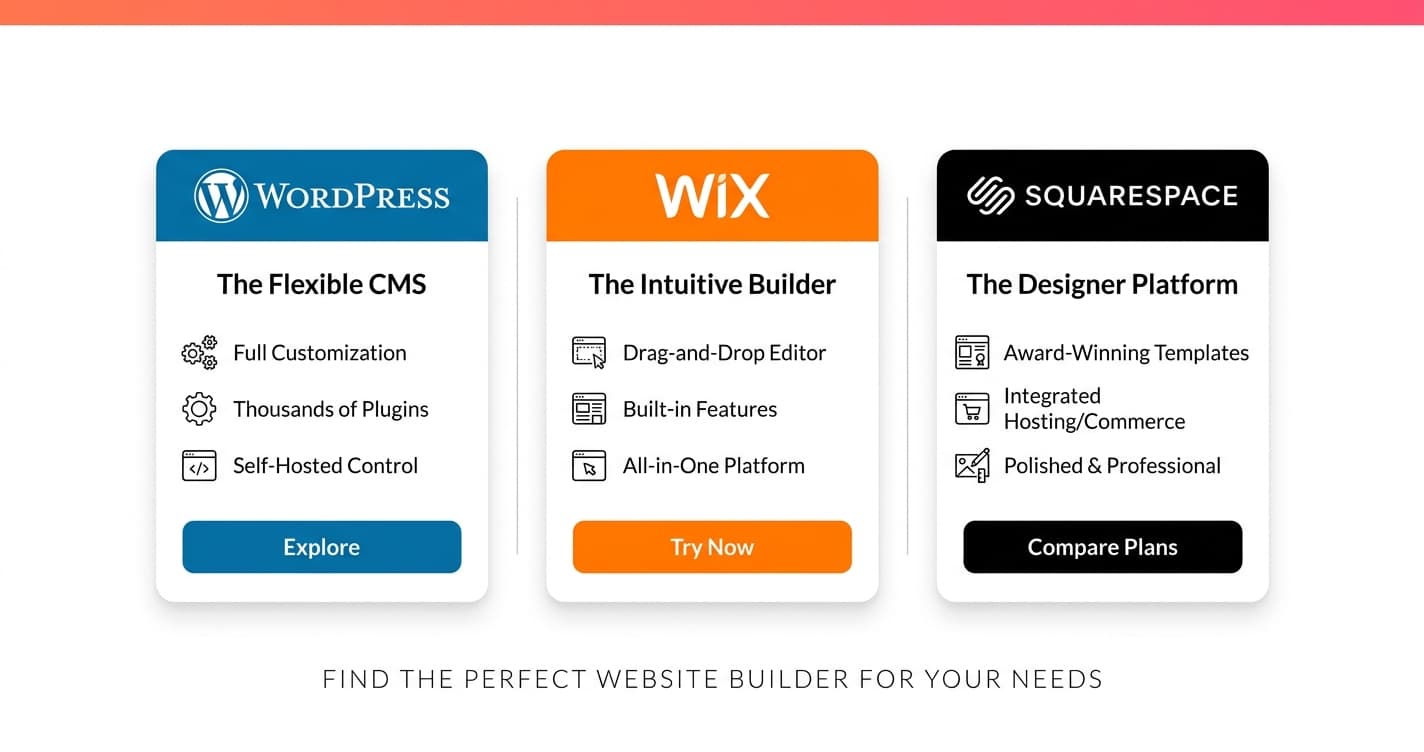
This guide compares WordPress, Wix, and Squarespace across the five factors that actually drive results for small businesses: cost, launch speed, SEO performance, design quality, and long-term scalability.
What Makes the Best Website Builder for Small Business?
The best website builder small business owners rely on does three things: gets you live fast, gives Google enough to work with, and doesn't lock you into escalating pricing as you grow. WordPress, Wix, and Squarespace each win on different criteria — and the right choice depends entirely on how much you're willing to manage yourself.
Here's what we evaluated across all three platforms:
- Total cost — monthly fees, domain, add-ons, transaction fees after year one
- Time to launch — realistic hours for a complete, professional 5-page site
- SEO performance — meta control, schema support, page speed, technical ceiling
- Design quality — template range, mobile responsiveness, customization limits
- Growth ceiling — what happens when you need e-commerce, booking, or a blog
1. WordPress — Best for SEO and Long-Term Control
WordPress powers over 43% of all websites on the internet, including most of the small business sites you'll find ranking on page one for competitive local keywords. That dominance isn't a coincidence — it's the result of unmatched SEO flexibility and a plugin ecosystem that lets you build almost anything.
Cost: WordPress software is free. You pay for hosting ($10–$25/month via Bluehost or SiteGround), a domain ($12–$15/year), and optionally a premium theme ($50–$100 one-time). Total ongoing cost: $15–$40/month — lower than Wix or Squarespace on most plans.
Time to launch: Realistically 3–5 days for a complete small business site. You'll configure hosting, install WordPress, set up your theme, and install plugins for SEO, contact forms, and performance. Not fast — but every hour invested pays dividends in control and speed later.
SEO: WordPress is the benchmark. Plugins like Yoast SEO and Rank Math give you granular control over title tags, meta descriptions, XML sitemaps, canonical URLs, and structured data schemas. Combined with full server access, you can optimize Core Web Vitals and page load times in ways Wix and Squarespace simply don't allow. For any small business competing in organic search, this matters.
Design: Thousands of free and premium themes, plus page builders like Elementor for full visual control. The design ceiling is essentially unlimited. The learning curve is real — plan for it.
Best for: Any small business serious about blogging, local SEO, or content marketing. Also the right call if you plan to add e-commerce (WooCommerce), an online booking system, or complex custom functionality later.
Free Resource
Free Lead Audit Checklist
Find the 7 most common reasons your website visitors leave without converting.
Download Free2. Wix — Best for Fast Launch Without Technical Skills
Wix earned a bad SEO reputation years ago and has spent the last three years quietly fixing it. In 2026, it's a legitimate option for most local service businesses — especially those that want a site live fast and won't be competing aggressively for informational keywords.
Cost: Wix Business plans start at $17/month for a custom domain and no Wix branding. Full e-commerce starts at $36/month. Wix charges no transaction fees on its native payment system — a meaningful advantage over some competitors.
Time to launch: 4–8 hours for a clean, professional 5-page site. Wix's drag-and-drop editor is genuinely beginner-friendly. The AI website builder (Wix ADI) generates a layout in minutes that you can use as a starting point, not a final product.
SEO: Wix has closed much of the gap with WordPress for basic SEO. You can edit meta titles and descriptions, manage 301 redirects, connect Google Search Console, and add image alt text. What it still can't match: custom schema markup, server-level performance tuning, and the advanced plugin ecosystem. Fine for most local businesses; limiting for serious content strategies.
Design: 900+ templates covering most industries. One important caveat: once you select a template, switching later means rebuilding the site from scratch. Choose carefully before you invest hours customizing.
Best for: Local service businesses — HVAC companies, cleaning services, consultants, tutors — that need a site live this week and won't be publishing blog content or chasing long-tail keywords.
3. Squarespace — Best for Design-First Service Businesses
Squarespace produces the highest visual quality of the three. Every template is professionally crafted, mobile-optimized automatically, and consistently polished in a way that free WordPress themes and mid-tier Wix templates rarely match.
Cost: Plans start at $25/month for a standard site, $36/month for e-commerce. Transaction fees apply on lower-tier plans — check current pricing before committing.
Time to launch: A polished Squarespace site takes 6–12 hours. The editor places elements into predefined sections rather than letting you drag freely anywhere — this produces consistent results but limits layout flexibility compared to WordPress page builders.
SEO: Squarespace handles the fundamentals — clean URLs, automatic sitemaps, SSL, and basic meta control. What it can't match is WordPress's deep plugin ecosystem. Custom structured data, advanced redirects, and granular performance tuning all require workarounds or are simply unavailable. Adequate for most local businesses; not the right choice if content marketing is your primary growth channel.
Design: The strongest design system of the three. Even the default Squarespace templates look like custom $5,000 builds. If your business depends on visual credibility — wedding vendors, photographers, med spas, interior designers — the polish is worth paying for.
Best for: Creatives, photographers, wellness businesses, boutique consultants, and service providers where visual trust drives conversions more than search volume does.
4. When a DIY Builder Isn't the Right Answer
Sometimes the best website builder small business owners can choose isn't a self-service platform at all.
DIY builders get you live fast, but they share a ceiling: generic templates your competitor might also be using, no integrated local SEO strategy, and no connection between your website and your lead capture systems. In competitive local markets — a plumber in Chicago, an HVAC company targeting specific suburbs — a professionally built site with real local SEO infrastructure consistently outperforms a DIY builder over a 12-month period.
Astucia builds custom AI-powered websites for small businesses that include on-page SEO, local business schema markup, Core Web Vitals optimization, and optional integration with an AI receptionist or chatbot so every visitor who lands on your site has a way to reach you instantly. Book a 20-minute call to see what that looks like for your business.
How to Choose
| Your priority | Best choice |
|---|---|
| Fast launch, no technical skills | Wix |
| SEO performance and blogging | WordPress |
| Design quality and visual trust | Squarespace |
| Done-for-you with local SEO built in | Astucia Web Design |
The best website builder small business owners actually maintain long-term is the one that fits their technical comfort level. A polished Squarespace site with fresh content every month outperforms a neglected WordPress site with a premium theme every time.
If you're in a competitive local market, platform choice matters less in year two than citation consistency, Google Business Profile completeness, and industry-specific schema markup. Start with the platform that gets you live fastest, then invest in SEO strategy once the site is stable.
Bottom Line
WordPress is the best website builder for small business owners who prioritize SEO and long-term control. Wix wins for speed and simplicity. Squarespace wins for design.
All three work well in 2026. The wrong move is spending three months evaluating platforms instead of launching. Pick the one that fits your skills and timeline, get the site live, and put your next 90 days into getting found locally.
If you want someone to handle both — the site and the search strategy — book a quick demo with Astucia.