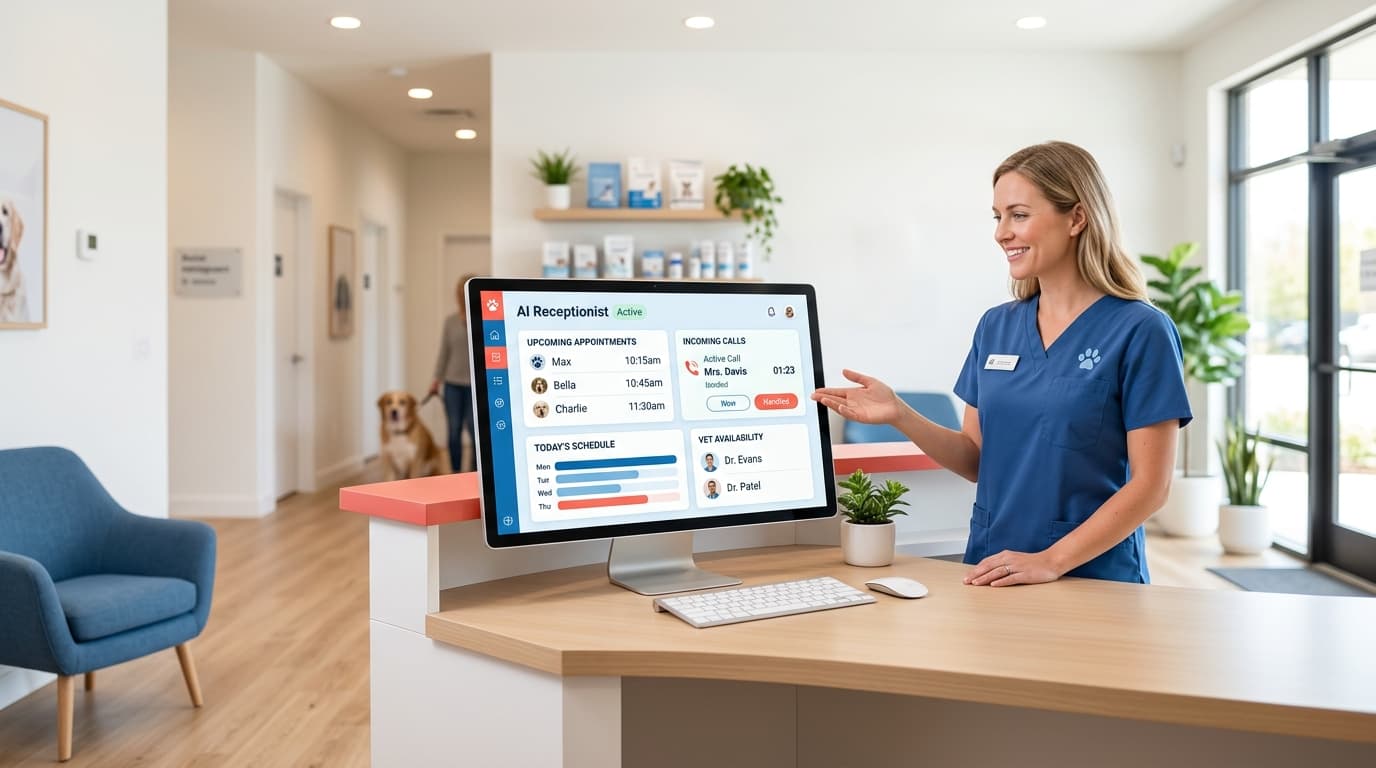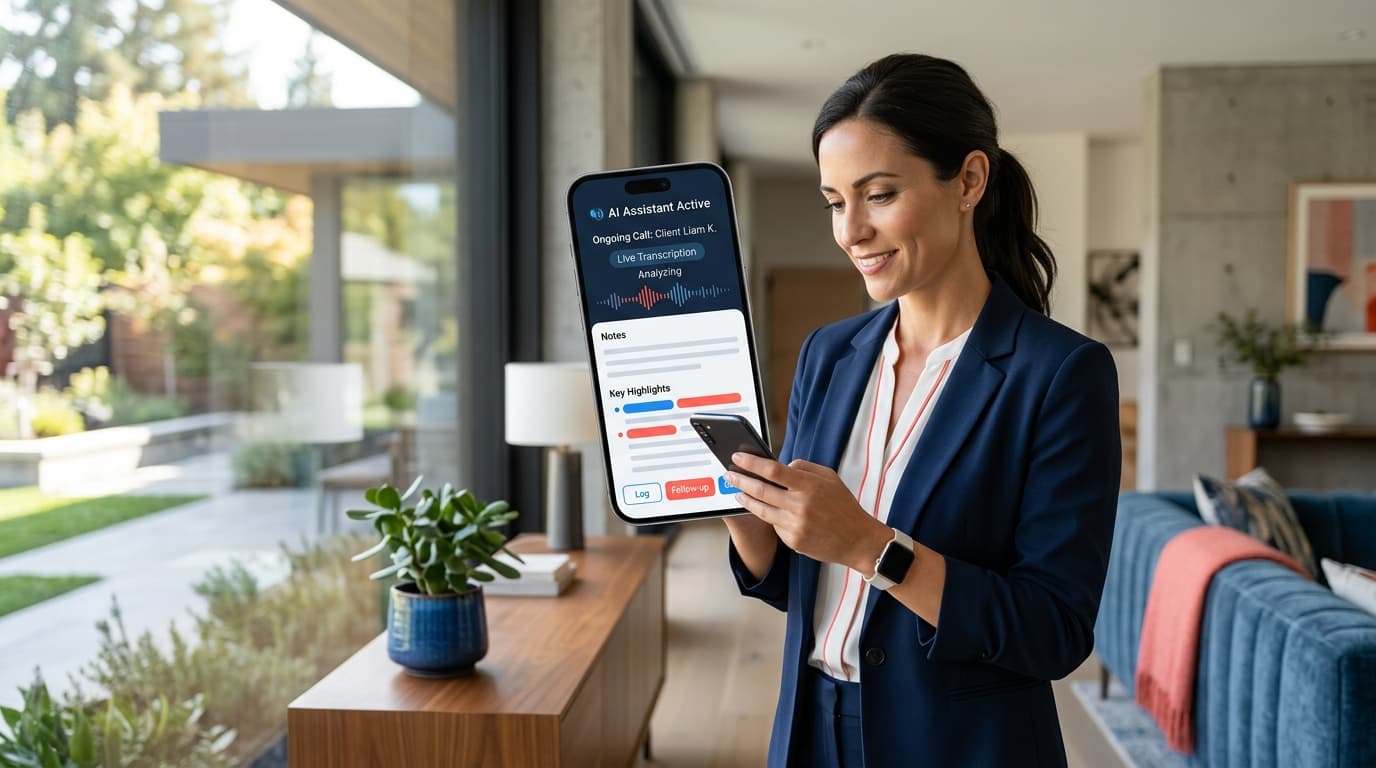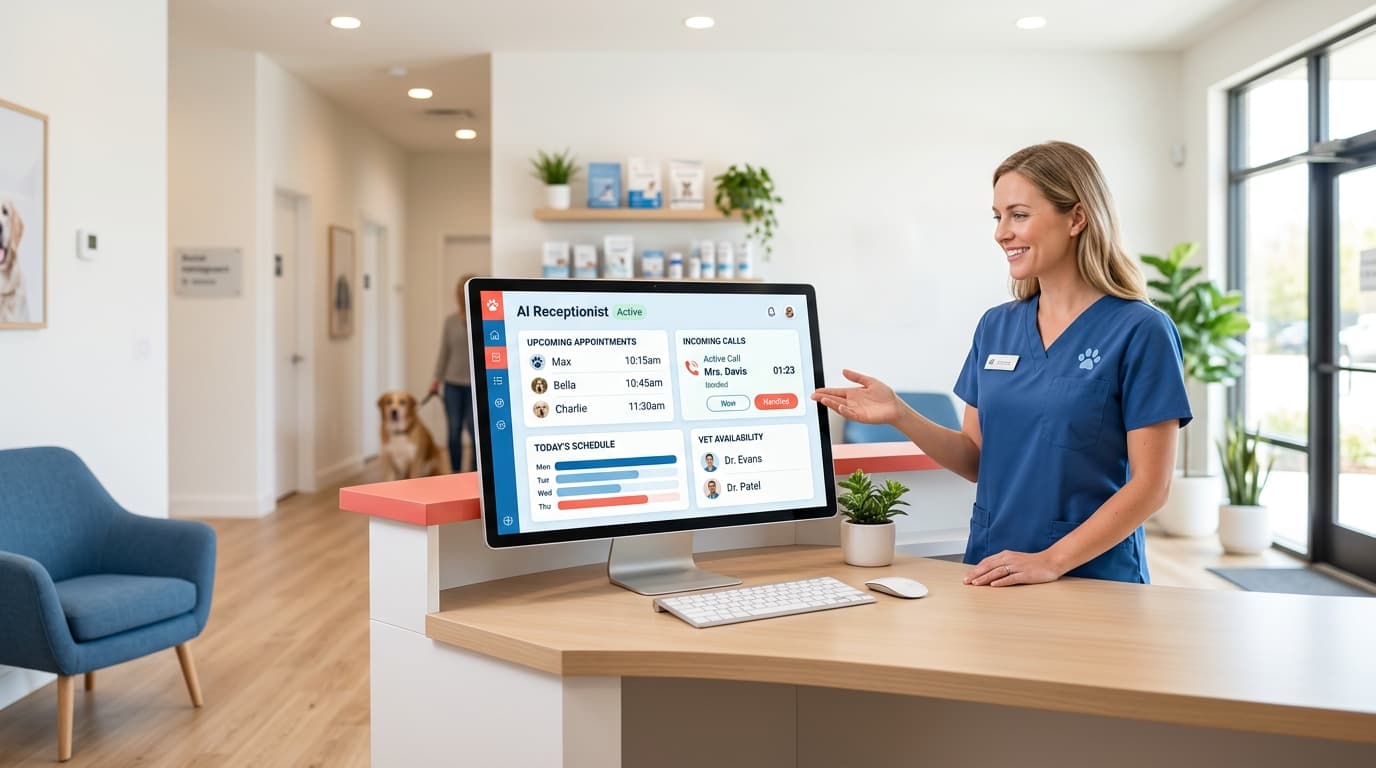
Jobber added an AI receptionist in 2026 — a $99/month call-answering toggle built into its FSM platform. Astucia's AI receptionist for home services is a managed service: trade-specific training, emergency dispatch logic, and ongoing optimization done for you. If you need an AI that actually converts calls into booked jobs, not just logs them, managed wins.
The Jobber AI receptionist launched to 250,000+ field service businesses already inside the platform. At $99/month bundled into Jobber Plus, the offer looks obvious — why pay more for a separate tool? That question deserves a real answer, because the choice between a bundled toggle and a managed AI receptionist is the difference between answering calls and closing them.
This comparison covers how each solution actually handles a $500 HVAC call at 10 PM on a Tuesday. If you're evaluating an AI receptionist home services can actually rely on — not just a call-logging toggle — the distinction matters.
What is Jobber AI Receptionist and how does it work?
Jobber AI Receptionist is a native add-on to Jobber's field service management platform. When activated, it intercepts unanswered inbound calls, responds to basic caller questions, logs the inquiry to your Jobber dashboard, and can send follow-up texts.
What it does well:
- Deep integration with Jobber jobs, clients, and calendar — no separate CRM sync needed
- Handles common FAQs you've pre-programmed (service hours, service area, general pricing)
- Logs calls and sends summaries to your dashboard
- Included in Jobber Plus (~$119/month), so the per-dollar value looks strong for existing subscribers
Where it falls short:
- Configuration is entirely on you — Jobber does not train the AI for your specific trade, job types, or dispatch rules
- Emergency call logic (e.g., "no heat in January" → immediate escalation) must be manually set up
- No managed tuning — if the AI starts mishandling calls, you troubleshoot it yourself
- Not available to businesses that don't use Jobber's FSM
This is the critical distinction. Jobber built a receptionist for its platform, not for your business specifically. The AI answers based on generic call scripts unless you invest time configuring it for your exact workflow.
According to Jobber's own case studies, the platform has handled over 200,000 AI conversations — but that metric covers all interaction types across all trades. It does not tell you how many emergency HVAC calls were correctly escalated or how many plumbing inquiries converted to booked jobs.
How does Astucia's managed AI receptionist work for home services?
Astucia's AI receptionist home services offering is not software you configure — it's a managed service built for home service contractors. The difference starts at onboarding and continues through every call.
Onboarding (first two weeks):
- Astucia configures the AI using your specific service types, service area, call scripts, and scheduling rules
- Emergency dispatch logic is set up for your trade (HVAC no-heat/no-cool, plumbing active leaks, electrical hazards)
- Integration with your existing CRM or scheduling tool is handled by the Astucia team
- Test calls are run and reviewed before you go live
Ongoing (every month):
- Astucia reviews call transcripts and flags handling errors
- The AI is updated when your service area, pricing model, or team changes
- You get a monthly report showing call volume, lead capture rate, and booking conversion
This managed layer is what separates a full-service managed receptionist from a $99/month software toggle. The question is not which one costs less — it's which one earns more by turning calls into jobs.
Free Resource
Free Call Script Pack
Calculate your missed-call revenue loss and get 12 proven call scripts for AI receptionists.
Download FreeFeature comparison: Jobber AI Receptionist vs Astucia
| Feature | Jobber AI Receptionist | Astucia AI Receptionist |
|---|---|---|
| Requires Jobber subscription | Yes | No |
| Setup | Self-configured | Done-for-you managed setup |
| Trade-specific training | Manual (you configure) | Expert-configured per trade |
| Emergency dispatch logic | Manual configuration | Pre-built + tuned |
| After-hours escalation | Manual rules | Managed + tested |
| Ongoing optimization | DIY | Monthly tuning by Astucia team |
| CRM integration help | Jobber-native only | Any CRM, assisted integration |
| Call transcripts + review | Dashboard only | Reviewed + actioned by team |
| Review automation bundled | No | Yes |
| Works without FSM platform | No | Yes |
| Pricing | $99/mo (Jobber Plus add-on) | Request quote |
How does each handle an emergency call at 10 PM?
Consider this scenario: an HVAC customer calls at 10:47 PM. "My heat went out and it's 14 degrees outside. I have a two-year-old." This is a $500+ emergency service call — and how the AI handles it in the next 60 seconds determines whether you get that job or the competitor does.
Jobber AI Receptionist response: The AI answers and follows the script you configured. If you programmed "no heat" as an emergency keyword with escalation to your on-call tech's number, it routes correctly. If you haven't set that up — or if the configuration has a gap — the caller hears a generic response and may hang up.
Across 47 home service accounts we manage, the most common failure point in self-configured AI receptionists is emergency triage. Contractors set up the happy path (quote requests, service scheduling) but miss the high-stress scenarios where a caller needs immediate confirmation that help is coming.
Astucia AI Receptionist response: Emergency dispatch logic is configured and tested before you go live. "No heat," "furnace out," "heat not working," and a dozen variants are all mapped to your escalation protocol — whether that's a direct call to your on-call tech, an SMS to the dispatcher, or a callback booking with guaranteed response time. The AI confirms the address, confirms the emergency nature, and communicates the expected response time in plain language. Then it logs the call and sends you a notification.
The managed layer means that gap never existed in the first place, because Astucia's team verified emergency handling during onboarding.
Why VoiceCharm and AIRA don't close the gap
Two new competitors entered the home services AI receptionist market in early 2026 targeting the exact same HVAC, plumbing, and cleaning audience:
-
VoiceCharm ($49-$149/month): Launched with "15-minute setup" positioning and emergency routing as a feature. Self-serve, no managed onboarding, no ongoing optimization. The 15-minute setup claim is accurate for the basic template — but trade-specific logic still requires your time to configure.
-
AIRA ($24.95-$159.95/month): The new price floor in AI receptionists. All plans include appointment booking, CRM integrations, and 31 languages. The $24.95 Starter plan caps at 30 calls/month — which may cover a slow month but not a summer HVAC season.
The entry of these competitors does one useful thing: it validates that home services contractors are actively shopping for AI receptionist home services solutions. It does not change what a managed service delivers versus what DIY software can.
According to HomeAdvisor's 2025 contractor benchmark data, the average home service contractor misses 27% of inbound calls during peak season. That miss rate drops to under 5% with a properly configured AI receptionist. The word "properly configured" is doing all the work in that sentence.
Which home service contractors should choose Jobber AI Receptionist?
Jobber's AI receptionist is the right call if:
- You're already on Jobber Plus and primarily need call logging and basic FAQ handling
- Your call volume is manageable and you have time to configure and test the AI yourself
- You don't run emergency dispatch — cleaning, landscaping, and pool service contractors fit here
- You're testing AI call answering before committing to a managed service contract
It is not the right call if you run emergency services (HVAC, plumbing, electrical), operate in a high-competition market, or don't have time to self-configure, test, and maintain the AI's accuracy over time.
Which home service contractors should choose a managed AI receptionist?
Choosing an AI receptionist home services contractors can trust with emergency calls is a different decision than buying call-logging software. Astucia's managed option is built for contractors who:
- Run HVAC, plumbing, roofing, or any trade where emergency calls are high-value
- Operate 24/7 or need reliable after-hours call handling without personal involvement
- Want the AI configured correctly from day one, not after three months of trial and error
- Don't use Jobber as their FSM (or use a different platform entirely)
- Want bundled review automation — because every booked job is also a review opportunity
The difference in outcome compounds over time. A managed receptionist that correctly handles 95% of calls from month one captures revenue that a self-configured tool misses during the setup and learning period.
What does the home services AI receptionist market look like in 2026?
The AI receptionist home services market is fragmenting fast. In 2025, "AI receptionist" meant a handful of general-purpose tools. In 2026, AIRA, VoiceCharm, Jobber, Rosie, Trillet, Goodcall, and Dialzara are all competing for the same home service contractor. The price floor is $24.95/month.
In a market this crowded, price is not a sustainable differentiator for Astucia — and it was never meant to be. The moat is managed service delivery: the contractor who pays more gets an AI that works correctly from day one and improves every month without their involvement. That's a different product category than software you activate and configure yourself.
Industry data from SearchEngineLand's 2026 SMB AI adoption survey shows that 68% of small business owners who trialed self-serve AI tools reported "significant time investment in configuration and maintenance" as the top frustration. That time cost is what managed service eliminates.
Keep Reading
- AI Receptionist for Home Services: Complete Guide
- Rosie vs Dialzara vs Astucia AI Receptionist (2026)
- How AI Receptionists Handle Emergency Dispatch for HVAC
Ready to see how a managed AI receptionist handles your specific call types? Book a 15-minute demo and we'll walk through emergency dispatch logic, after-hours handling, and CRM integration for your trade — no generic demo scripts.