Learning to automate Google reviews is one of the highest-ROI moves any local business can make. Reviews directly impact your Google ranking, your click-through rate, and whether a potential customer trusts you enough to call. Yet most businesses leave this entirely to chance — hoping satisfied customers will remember to leave a review on their own. For the full picture of how reviews fit into a broader reputation strategy, see our complete review automation guide.
Spoiler: they won't. Only 5-10% of happy customers leave reviews without being asked. But with the right automation in place, you can 3-5x that number without lifting a finger after the initial setup.
Why Google Reviews Matter More Than Ever in 2026
Google reviews are the second most important factor in local search rankings, according to BrightLocal's annual ranking study. Businesses with 50+ reviews and a 4.5+ star rating dominate the local map pack. But beyond rankings, reviews drive trust: 87% of consumers read online reviews before choosing a local business.
The businesses winning at reviews aren't doing it manually — they automate their review collection so every satisfied customer gets a simple, timely request without anyone on the team remembering to send it.
Strategy 1: Nail the Timing of Your Review Request
The best time to ask for a review is within 1-24 hours after the service is completed — while the experience is still fresh and the customer feels the impact of your work. Wait a week, and the motivation drops by 80%.
Set up an automated trigger: when a job is marked complete in your CRM or scheduling tool, a text message goes out immediately. Keep the message personal and short — "Thanks for choosing us! Would you share your experience?" with a direct link.
Free Resource
Free Call Script Pack
Calculate your missed-call revenue loss and get 12 proven call scripts for AI receptionists.
Download FreeStrategy 2: Automate Google Reviews With SMS + Email Sequences
A single ask isn't enough. Set up a 3-touch sequence to maximize response rates:
- Text message — sent 1-2 hours after job completion (highest open rate)
- Email — sent 24 hours later with a slightly different message
- Final reminder — sent 3-5 days later for anyone who hasn't responded
SMS gets the best results — text messages have a 98% open rate compared to 20% for email. But using both channels together catches the customers who prefer one over the other.

Strategy 3: Use a Direct Google Review Link
Reduce friction to near zero by giving customers a direct link that opens your Google review page with the star selector ready. You can generate this link from your Google Business Profile. The fewer clicks required, the more reviews you'll get.
Strategy 4: Add a Review Funnel to Filter Feedback
A review funnel sends customers to a landing page that asks "How was your experience?" first. Happy customers (4-5 stars) get directed to Google. Unhappy customers (1-3 stars) get directed to a private feedback form so you can resolve the issue before it becomes a public review.
This isn't about suppressing negative reviews — it's about giving unhappy customers a direct line to resolution instead of forcing them to vent publicly. Most customers prefer a fix over a complaint.
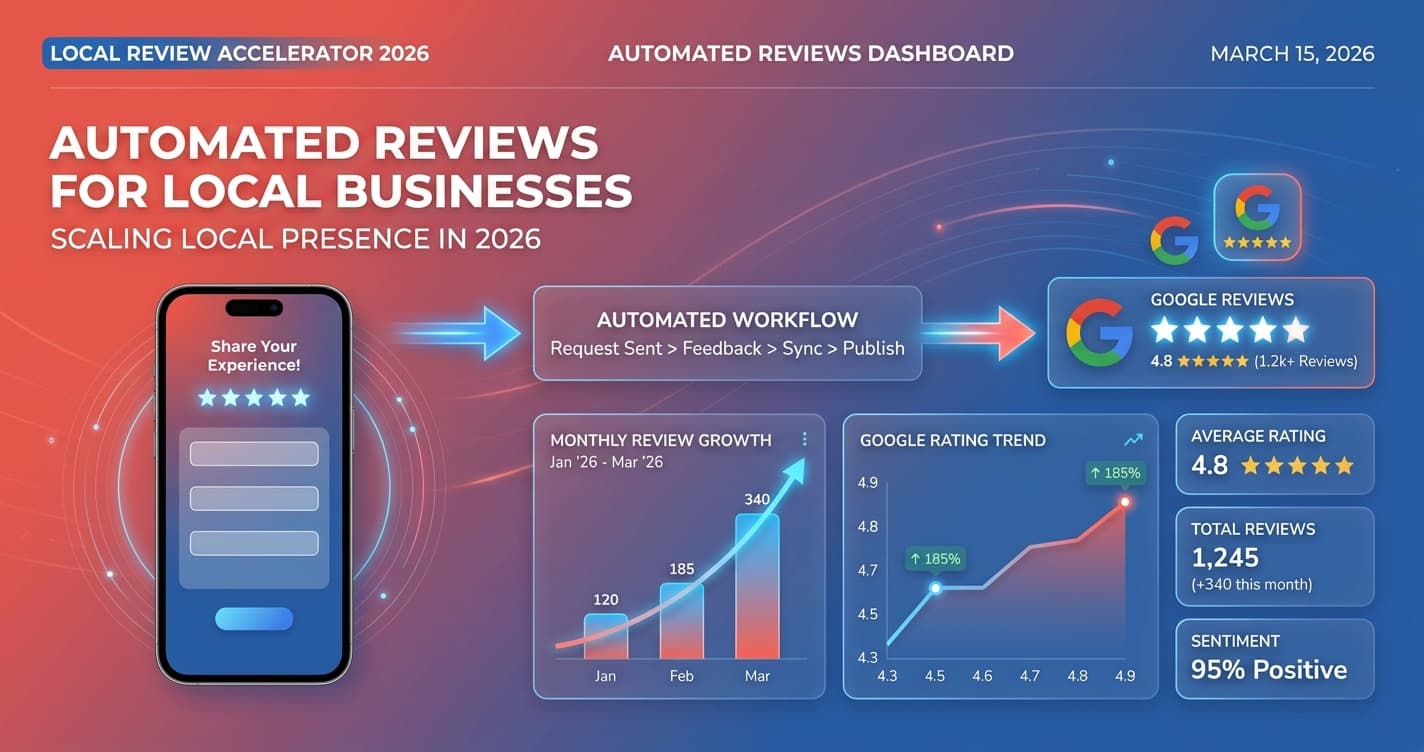
Businesses that automate review collection see an average 300% increase in monthly review volume within 90 days of implementation.
Strategy 5: Respond to Every Single Review
Google confirms that responding to reviews improves your local ranking. Thank positive reviewers by name and reference the specific work you did. For negative reviews, respond professionally, acknowledge the issue, and offer to make it right. Automate response templates but personalize each one.
Strategy 6: Integrate Reviews Into Your Entire Workflow
The most effective way to automate Google reviews is to build the request into your existing workflow — not as a separate task. When you use tools like an AI chatbot and AI receptionist, customer interactions are already logged. Connect your review automation to these touchpoints, and review requests go out without anyone on your team doing anything.
Ready to put your review collection on autopilot? Book a free demo and we'll show you exactly how to set up automated review collection for your business.
Keep Reading
- Review Automation: The Complete Guide — The full strategy for building a review collection system that runs without manual effort
- How to Get More Google Reviews for Your Roofing Company in 30 Days — How these automation strategies play out specifically for roofing and home service businesses
- How Cleaning Companies Use Review Automation to Win — See how cleaning businesses apply these same review collection principles to dominate local search
- Review Funnel Strategy for Accounting Firms — Adapting the same review funnel framework for professional services and high-trust industries