68% of online experiences begin with a search engine — and most small business owners have no idea where they rank, what's broken on their site, or which pages Google is even indexing. Expensive SEO agencies and software suites aren't the answer when you're watching every dollar.
The good news: Google's own toolset, combined with a few generous freemium platforms, gives you everything you need to audit, optimize, and track your site at zero cost. Here are the seven small business SEO free tools worth using in 2026.
Answer Capsule
Best free SEO tools for small businesses in 2026: Google Search Console (keyword tracking + crawl data), Google Analytics 4 (traffic behavior), Google Business Profile (local rankings), Rich Results Test (schema validation), Ahrefs Webmaster Tools (backlinks + site audit), Screaming Frog (technical SEO, free up to 500 URLs), and Google PageSpeed Insights (Core Web Vitals). No paid subscription required to start.
Why Free SEO Tools Work for Small Businesses
Paid tools like Semrush and Ahrefs premium are built for agencies managing dozens of clients simultaneously. As a small business, you have one site, one service area, and a finite set of keywords to target.
Free tools — especially the Google suite — give you first-party data that no third-party platform can match. Google Search Console pulls directly from Google's index. PageSpeed Insights uses the same Lighthouse engine Google uses to evaluate your Core Web Vitals. There's no approximation.
What you're trading is breadth. You won't get competitor keyword gap analysis or historical ranking trends across thousands of keywords. What you get is surgical clarity about your own site.
For most local service businesses — HVAC, cleaning, plumbing, accounting, real estate — that's enough to outrank competitors who aren't using any tools at all.
Free Resource
Free SEO Quick-Win Guide
Get 10 local SEO fixes you can make today to rank higher on Google Maps.
Download Free1. Google Search Console
Best for: Keyword tracking, crawl error detection, indexing status
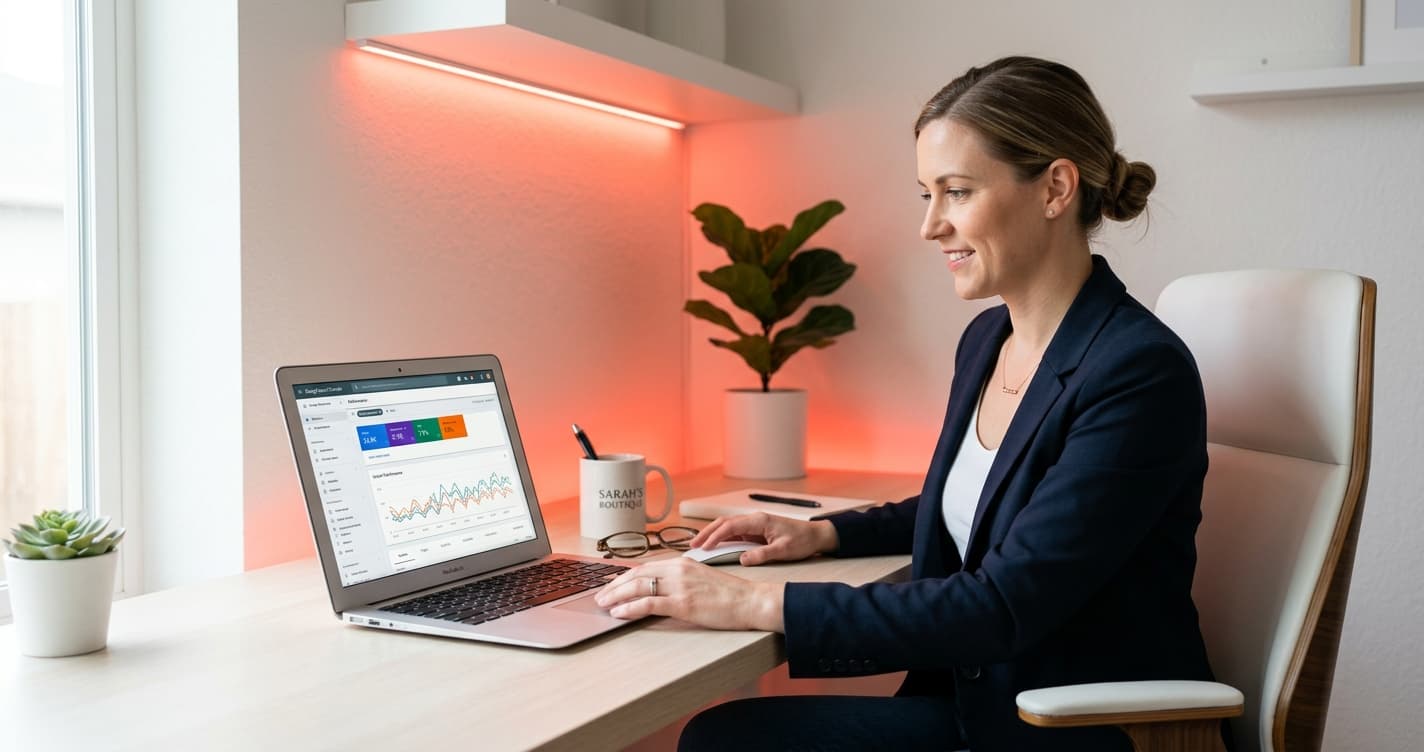
Google Search Console (GSC) is the most important free SEO tool in existence, and most small business owners don't have it set up.
Once you verify ownership of your domain, GSC shows you:
- Which search queries people use to find your site, and how often your pages appear
- Your average position for each query (positions 1-100)
- Click-through rate by page and keyword
- Crawl errors Google encountered when indexing your site
- Coverage status — which URLs are indexed, which are excluded and why
The Queries report alone is worth hours of paid competitor research. Sort by impressions and look for keywords where you appear in positions 11-30. Those are pages sitting just off the first page — a better title tag or a few more internal links can push them up.
How to get started: Go to search.google.com/search-console, add your property, and verify via DNS TXT record or HTML file. Data populates within 48 hours.
2. Google Analytics 4
Best for: Understanding what visitors do after they land
Google Analytics 4 (GA4) tells you what happens after the click. While Search Console shows who found you, GA4 shows what they did on your site.
The reports that matter most for small businesses:
- Acquisition report — where your traffic comes from (organic, direct, referral, paid)
- Landing pages — which entry pages drive the most sessions and conversions
- Engagement rate — the inverse of bounce rate; 60%+ is healthy for most service sites
- Key events — set up a "generate_lead" event to track form submissions, phone clicks, and booking page visits
GA4 takes 15 minutes to connect to your site via a Google Tag or your existing Google Tag Manager setup. Once running, check it weekly alongside Search Console for a complete picture of traffic quality — not just volume.
3. Google Business Profile
Best for: Local search rankings in your service area
If your business serves a specific city or region, Google Business Profile (GBP) is your most direct SEO lever. The 3-pack of local results that appears above organic listings on local searches is controlled almost entirely by GBP signals.
What drives rankings in the local pack:
- Review count and recency — aim for 50+ reviews, with new ones consistently coming in
- Profile completeness — every field filled in, including hours, services, and photos
- Weekly posts — short updates showing your business is active
- Response rate — replying to reviews (positive and negative) signals engagement
GBP is free. Claiming and optimizing your profile costs zero dollars and can outperform months of on-page SEO work for local intent searches.
For a full breakdown of what to optimize on your profile, see our local SEO checklist for home service businesses.
4. Google Rich Results Test
Best for: Validating structured data (FAQ, Article, LocalBusiness schema)
Structured data tells Google what your content is — an FAQ, a service, a business — in a format it can process and potentially display as rich snippets in search results. FAQ schema can add expandable Q&A directly under your listing, increasing visual footprint and click-through rate.
Google's Rich Results Test (search.google.com/test/rich-results) lets you paste any URL and see:
- Whether structured data is present and valid
- Which rich result types Google is detecting
- Any errors or warnings blocking eligibility
Run every new blog post and service page through this test after publishing. Common fixes include missing required fields, date format errors, and duplicate markup conflicts.
If you're not using structured data at all, start with LocalBusiness schema (your NAP — name, address, phone) and FAQ schema on any page with a Q&A section. Both are free to implement and can improve your click-through rate within weeks of Google re-crawling the page.
5. Ahrefs Webmaster Tools
Best for: Backlink analysis and site-wide SEO audit
Ahrefs Webmaster Tools gives verified site owners free access to two of the most valuable features in the Ahrefs suite: their site audit crawler and their backlink database.
Site audit crawls your domain and flags technical SEO issues: broken internal links, missing meta descriptions, slow pages, duplicate titles, redirect chains. The free tier runs monthly crawls on verified properties with no URL cap.
Backlink checker shows every external site linking to your domain — the referring URLs, anchor text, and domain rating of the linking site. This is particularly useful for:
- Confirming which guest posts or directory submissions delivered links
- Spotting toxic links that may suppress rankings
- Understanding your current authority baseline before a content push
Sign up at ahrefs.com/webmaster-tools with your Google Search Console account. Verification is automatic if GSC is already set up.
6. Screaming Frog SEO Spider
Best for: Deep technical audits on a tight budget
Screaming Frog SEO Spider is a desktop application that crawls your site the way Google does — following every internal link, reading every tag, mapping your entire structure. The free version crawls up to 500 URLs, which covers most small business websites completely.
What it surfaces:
- Missing or duplicate title tags and meta descriptions
- Broken links (404 errors) — both internal and outbound
- Redirect chains and loops
- Missing alt text on images
- Pages blocked from indexing by robots.txt or noindex tags
- Thin content (pages with very few words)
Run a Screaming Frog crawl after any major site update — new pages, navigation changes, plugin updates — to catch issues before Google does. Export the results to CSV, sort by issue type, and prioritize fixes by page importance.
Download free at screamingfrog.co.uk/seo-spider.
7. Google PageSpeed Insights
Best for: Core Web Vitals and page speed optimization
Google's Core Web Vitals are a ranking signal — specifically LCP (Largest Contentful Paint), INP (Interaction to Next Paint), and CLS (Cumulative Layout Shift). Pages that score "Good" on all three may receive a slight ranking boost over otherwise equal pages.
Google PageSpeed Insights (pagespeed.web.dev) runs a free Lighthouse audit on any URL and shows:
- Your CWV scores for both mobile and desktop
- Which specific elements are causing slow load times
- Actionable recommendations with estimated time savings
- A field data summary from real users visiting your page
The mobile score is the one that matters most. Google uses mobile-first indexing, meaning your mobile experience is what it evaluates for rankings — even if most of your conversions come from desktop.
Common fixes PageSpeed flags: unoptimized images (switch to WebP), render-blocking JavaScript, missing lazy loading, server response time above 600ms.
Run this tool on your homepage, your top 3 service pages, and any blog posts with significant traffic.
How to Use These Tools Together
The real advantage of combining these tools is a complete view of your SEO health across three dimensions:
Visibility (Search Console + Google Business Profile) — Are the right people finding you? For which queries? At what positions?
Behavior (GA4) — When they arrive, do they engage or bounce? Which pages convert?
Technical health (Ahrefs Webmaster Tools + Screaming Frog + PageSpeed Insights) — Is anything breaking your ability to rank — crawl errors, broken links, slow load times, missing schema?
A practical weekly routine:
- Monday: Open Search Console — check for new impressions, any drop in clicks, or new coverage errors.
- Wednesday: Check GA4 landing page report — identify any high-bounce pages worth updating.
- Friday: Run Rich Results Test on any new pages published that week.
Once a month, run Screaming Frog and Ahrefs site audit. Address the critical errors first — broken pages and missing titles before thin content.
If you're a local service business and haven't claimed your Google Business Profile, that's your first action before anything else. The local SEO checklist for home services walks through the full GBP optimization process step by step.
The goal isn't to master every tool at once. It's to move from operating blind to operating with data — and with these seven free tools, you can do that starting today.
Ready to turn your SEO data into actual leads? See how Astucia helps small businesses capture every inquiry their search rankings generate.
Keep Reading
- Local SEO Checklist for Home Service Businesses — Step-by-step GBP, citations, and on-page optimization for HVAC, plumbing, roofing, and cleaning companies
- Local SEO for Real Estate Agents: Rank in Your Market — How to dominate local search for real estate keywords with a focused, repeatable system
- Small Business Website Lead Generation: 9 Proven Tactics — Turn your existing web traffic into booked appointments and inbound calls